A 60 MB JSON export is not much data by any modern measure. It is still enough to make a text editor stutter and most online viewers stop responding. If you have waited for a spinning tab only to close it, this post explains why it happens and what you can do about it.
Where the Time Goes
Parsing is seldom the problem. A browser parses tens of megabytes of JSON or XML in a second or two. The trouble starts after that:
- Rendering. A file with an array of 200,000 items becomes 200,000 rows on the page, each with several elements. The browser has to lay out and keep track of every one of them, also the ones far outside the screen.
- Memory. The parsed tree takes many times the size of the text. A 50 MB file can turn into several hundred megabytes of objects. If a viewer parses the file again on every interaction, that cost is paid over and over.
- Everything at once. Expanding a node that contains a large list makes the whole list appear in one step, and the page is busy until it is done.
What Changed in Nodeflip
The May release addressed the three points above.
Lists and tables are paged. A list or table with more than 100 items is shown 100 at a time, with First, Prev, Next and Last to move between pages. Files with very large arrays that could not be opened before now load and stay usable.
The file is parsed once. Expanding and collapsing nodes in files of tens of megabytes is much quicker and uses far less memory than before, and the page stays responsive while the tree updates.
Working Efficiently in a Large File
Paging solves the freezing. Finding your way in the file is a separate matter, and a few habits help.
Filter instead of paging. If you are looking for particular rows, use the column filter on the table. Scrolling through 2,000 pages is not the way to find one order.
Sort to see the extremes. Sorting a column brings the smallest and largest values to the first and last page, which is where the odd ones tend to be.
Take out the slice you need. After filtering a table, Get Filtered Data in the Tools menu gives you just the matching part as a file of its own, small enough to share or to open anywhere.
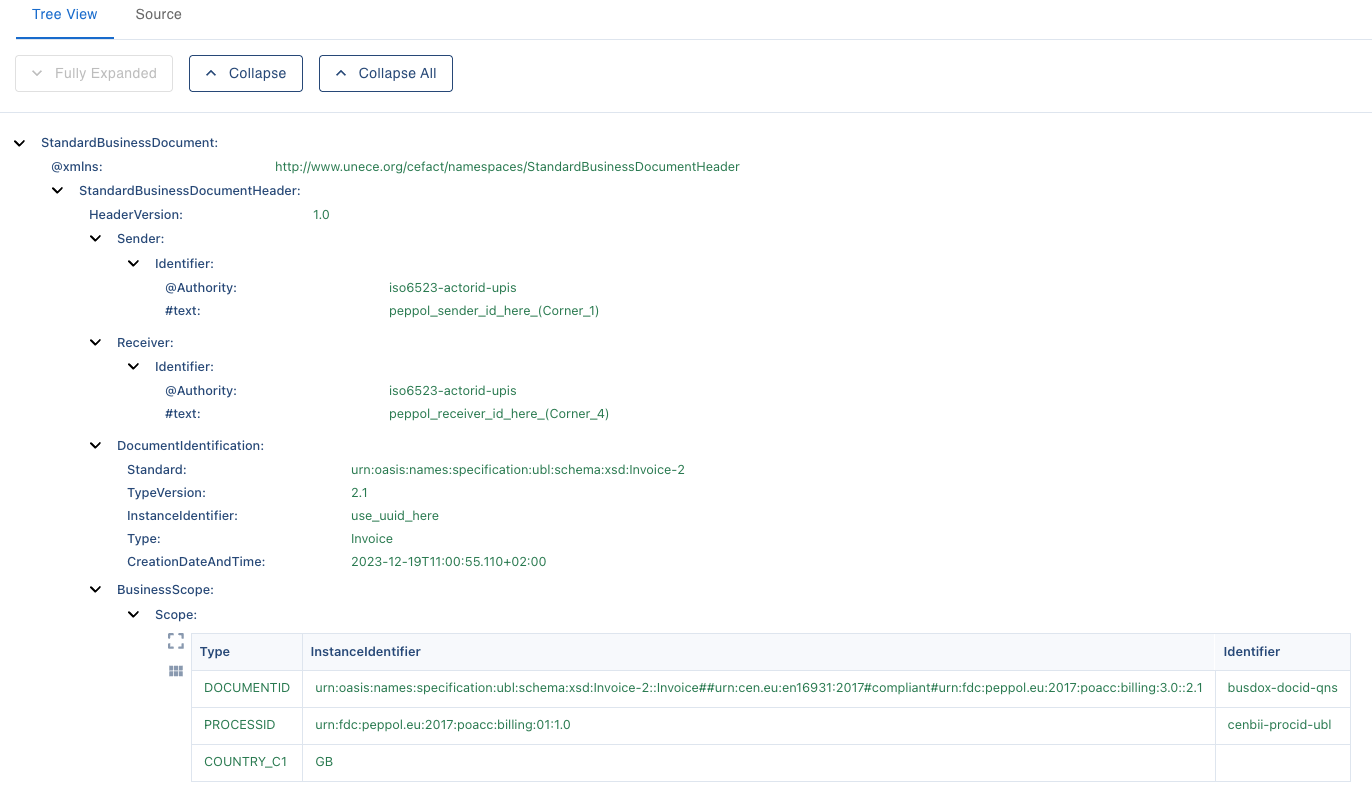
Use the right view for the question. The Source view shows the text as it is and is the right place to check formatting or search for a literal string. The Tree view is for structure. Tables are for comparing many items of the same kind.
Many Files Instead of One Large
Sometimes the size is not in one file but in the number of them: 50,000 small files rather than one of 500 MB. Opening them one at a time is pointless whatever the viewer.
That is the case the Data Analysis module is for. It reads all the files, straight from a ZIP if you like, and shows the structures, attributes and values across all of them, so you only open individual files once you know which ones are interesting.
It Still Runs on Your Machine
Everything above happens in your browser. Nothing is uploaded, so performance depends on your computer rather than on a server, and files that must not leave the company do not leave it.
Open a file in Nodeflip to try it, or read more about the views in the File Viewing documentation.